Case Study
Nexus
Ask once. Get one answer backed by multiple AI models.
Role
Product Designer
Duration
10 weeks
Tools
Figma, Cursor, Lovable
Context
Internship Project
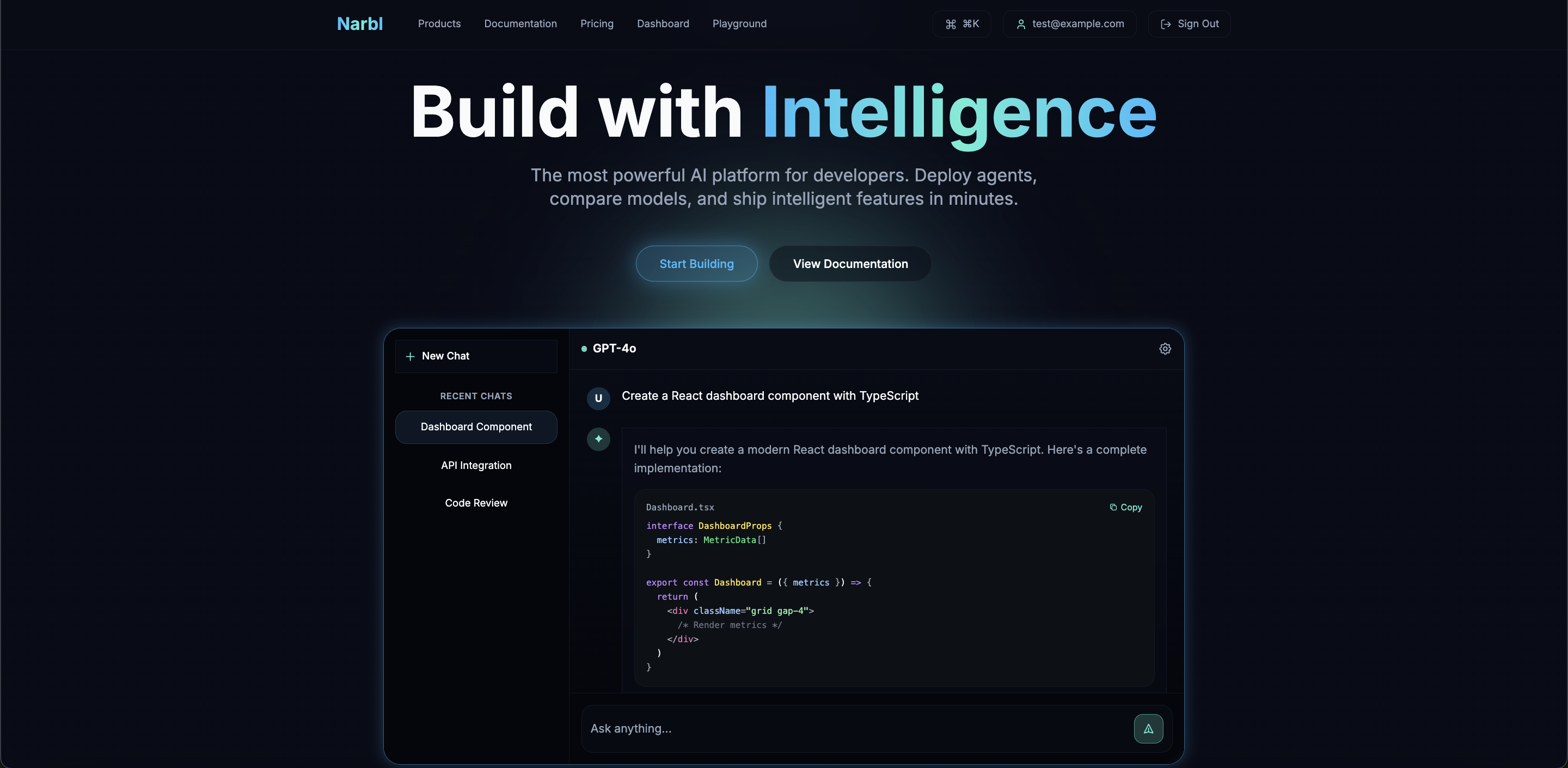
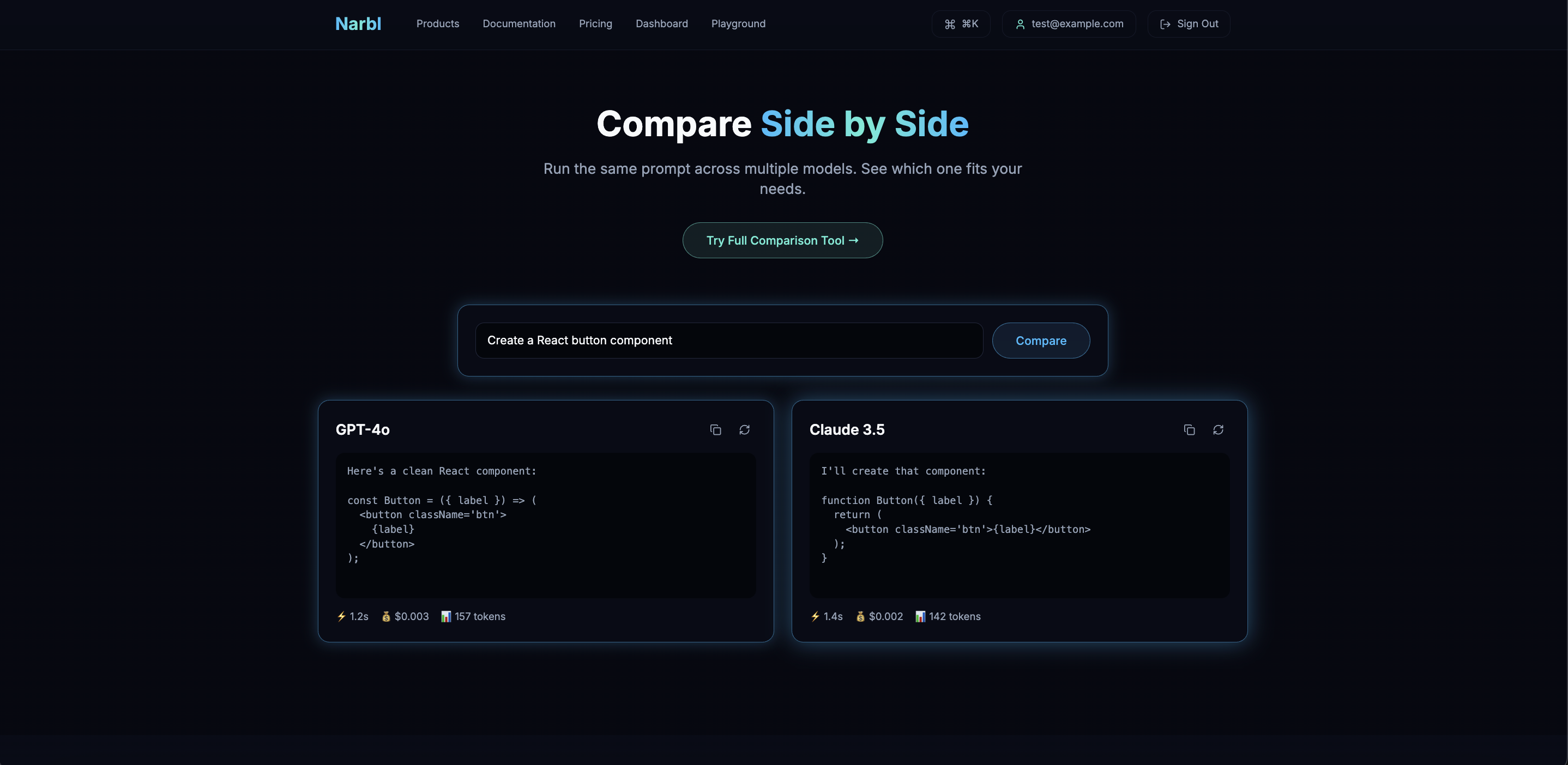
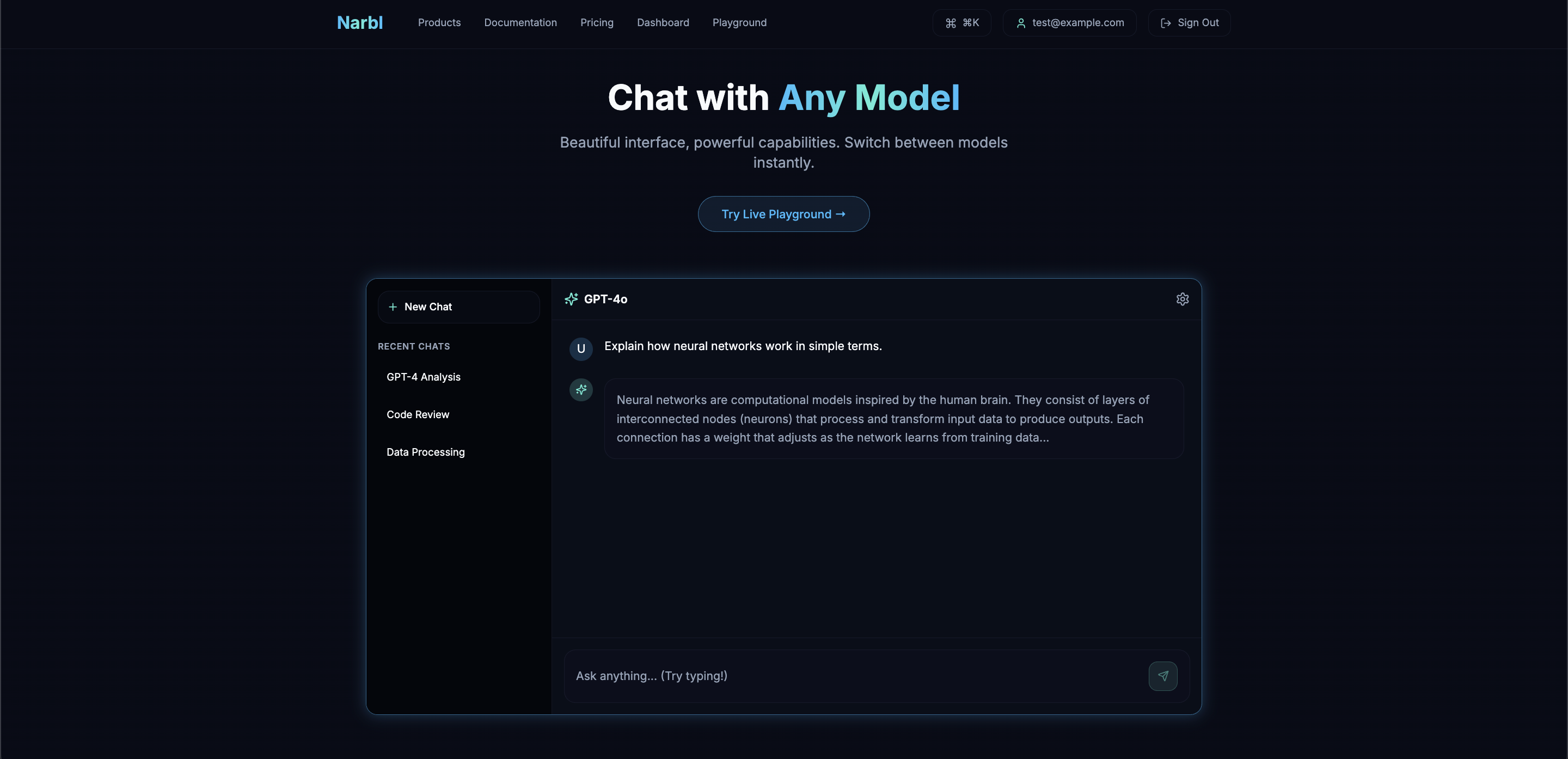
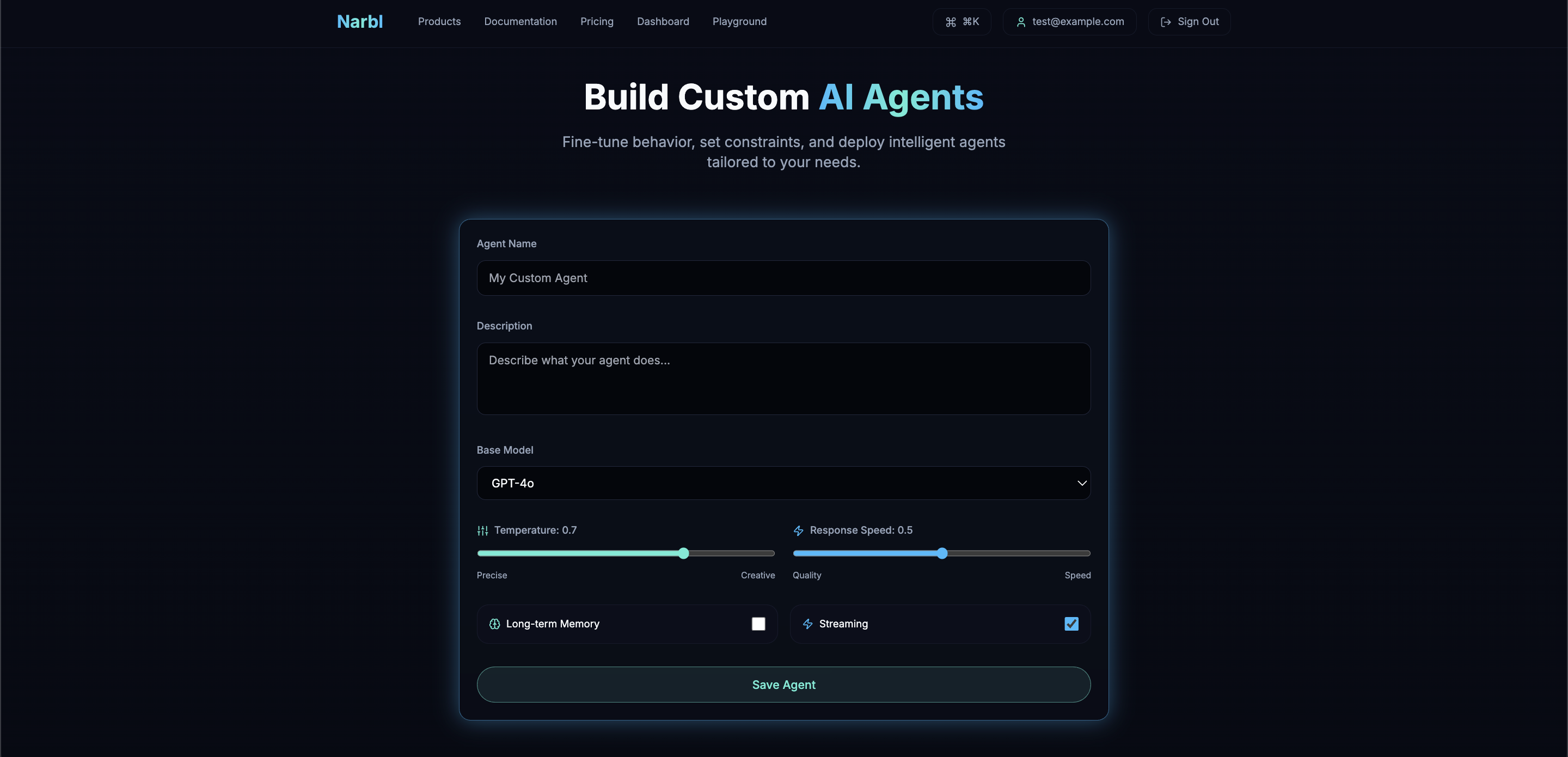
Everything You Need. One Nexus.
01
Overview
Nexus saves students time by running multiple AI models behind the scenes and surfacing only the best answer.
I designed Nexus during my internship as a unified AI platform for students. One question, one place. Multiple AIs run in parallel and compare responses; the strongest answer wins. No more tab hopping between ChatGPT, Claude, and Gemini.
Problem Statement
How might we give students one accurate answer by aggregating and comparing responses from multiple AI models?
02
Design Process
10-Week Timeline
03
Research
Research Goals
Students use multiple AI tools for homework but waste time switching between them. I wanted to understand how they use AI, where they get stuck, and what would make answers feel more reliable.
User Surveys
Survey sample: n = 48 college students[1]Distributed via campus channels. Mix of undergrad and grad students. 12-question survey on AI tool usage, pain points, and study habits.
AI Tools Students Use for Studying
Most use multiple tools but waste time switching.
Top Pain Points
Conflicting answers and manual comparison are the top frustrations.
Primary Use Cases
AI supports homework, research, studying, and writing.
Key Insight
Three main pain points:
- Tool fatigue: 82% use ChatGPT, but over half also check Claude or Gemini to verify answers.
- Conflicting answers: 72% cited this as a major frustration; students don't know which response to trust.
- Manual comparison: copying prompts between tabs and sifting through responses is slow and exhausting.
Competitive Analysis
Evaluating existing AI platforms
ChatGPT
OpenAI
Locked ecosystem
Claude
Anthropic
Single model only
Poe
Quora
User must compare responses manually
OpenRouter
API Gateway
Infrastructure only, no answer synthesis
Nexus
All-in-one
Nexus closes this gap
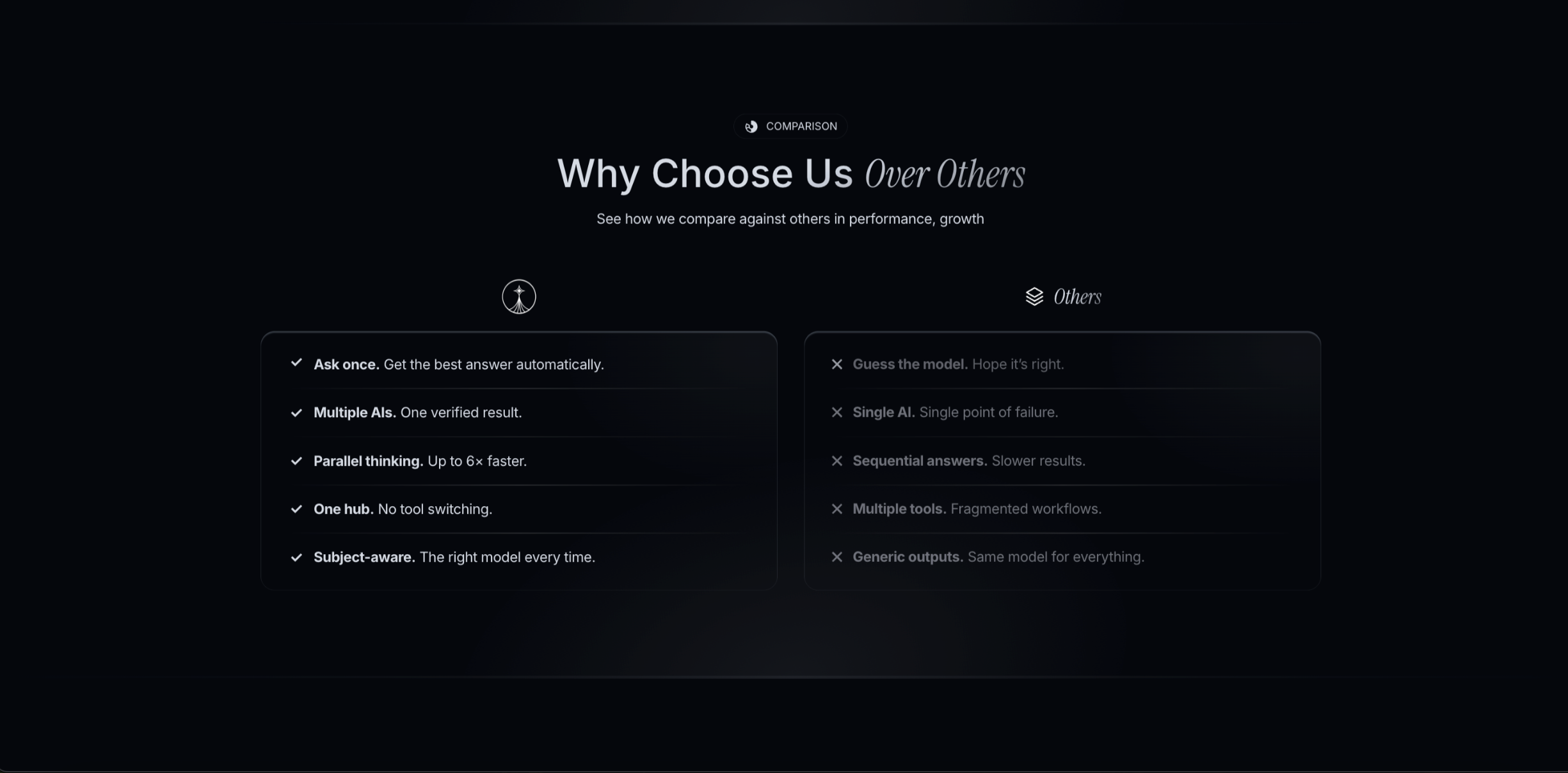
Most platforms offer either one model (ChatGPT, Claude) or many models with separate outputs (Poe, OpenRouter). None aggregate responses into one answer. Nexus fills this gap by running multiple AIs behind the scenes and surfacing only what they agree on.
Affinity Mapping
Synthesizing Research Insights
Survey and interview data revealed three themes:
- •Confidence: Students don't trust one AI. They want consensus before using an answer.
- •Comparison: Manually comparing answers across tools is exhausting.
- •Simplicity: One clear answer beats multiple conflicting ones.
Confidence
User Behavior
Uses ChatGPT for homework but second-guesses answers before submitting assignments.
Needs / Goals
Wants to use AI for studying but needs to trust the answers are actually correct.
Pain Point
"ChatGPT gave me a wrong formula for my physics exam. Never trusting one AI again."
Pain Point
"Every answer sounds confident. How am I supposed to know which ones are actually right?"
UX Principle
Confidence comes from consensus. If multiple AIs agree, the answer is more likely correct.
Opportunity
Show which models contributed. Surface the strongest consensus-based answer.
Comparison
User Behavior
Asks the same question to multiple AIs, then tries to figure out which answer is actually correct.
Needs / Goals
Wants confidence that answers are accurate, not just fast. Needs reliable information for schoolwork.
Pain Point
"Claude said one thing, ChatGPT said another. I just picked randomly."
Pain Point
"I spend 20 minutes comparing answers across tools. That's longer than just Googling it."
UX Principle
Comparison should happen automatically. Users want one clear answer, not multiple options to sort through.
Opportunity
Run multiple AIs behind the scenes, compare responses, surface the strongest consensus answer.
Simplicity
User Behavior
Opens multiple browser tabs for ChatGPT, Claude, and Google. Homework takes twice as long.
Needs / Goals
Wants one place to get accurate answers. No tab hopping, no mental overhead.
Pain Point
"I have 6 tabs open just to do homework. It's exhausting."
Pain Point
"By the time I read 3 different AI answers, I forgot what I was even asking."
UX Principle
Complexity should happen behind the scenes. Users just want the answer.
Opportunity
One input, one consolidated output. All the multi-model processing happens invisibly in the background.
Key Insight
Students want one clear answer, not a choice between models. Our solution: run multiple AIs behind the scenes, find where they agree, and surface only the consensus-backed[2]Responses are compared across models; answers that align are prioritized. Outliers are filtered before surfacing the final result. answer.
Core Product Flow
Onboarding and main chat flow
Onboarding
Main Chat Interface
Free
Paid
Two journeys: onboarding (landing to dashboard) and the main chat. Free users get 2–3 AI models; paid users get all models.
Low Fidelity Designs
Early Explorations
I sketched flows around the core idea: ask once, get one answer. The challenge: hide multi-model complexity while building trust.
Onboarding Flow
Product Experience
iPad sketches to explore layouts and flows. Focus: enter question, see which models run, get one answer. Quick way to validate the one-input concept.
Mid-Fidelity Prototypes
Refining the Experience
Mid-fi wireframes to lock down layout and interactions before high-fidelity. Grayscale mockups for testing and feedback.
Onboarding Flow
Product Experience
Key Refinements
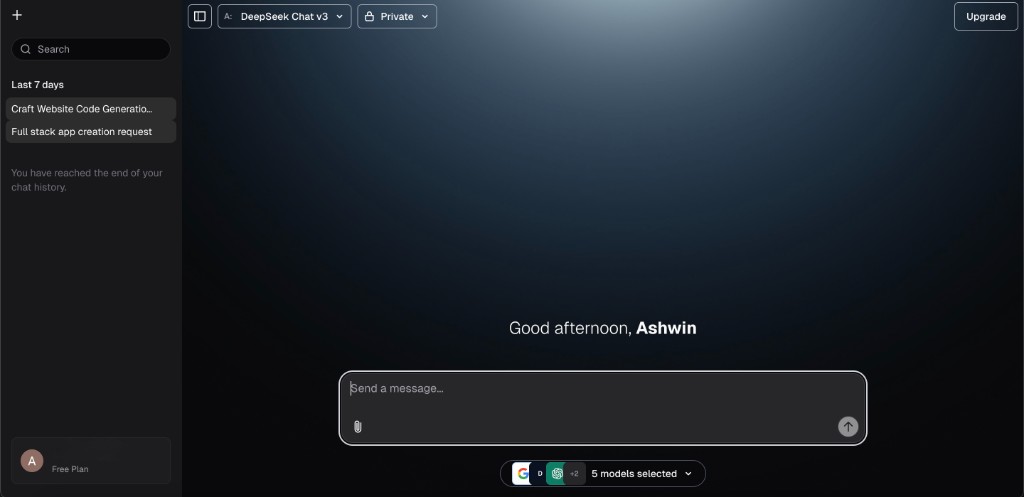
- •Model picker in the chat: Dropdown right where you type. No switching to another screen.
- •Model badges: Small colored badges below each answer show which models contributed.
- •One screen: Ask and answer on the same page. No extra steps.
High-Fidelity Design
Iteration & Final Design
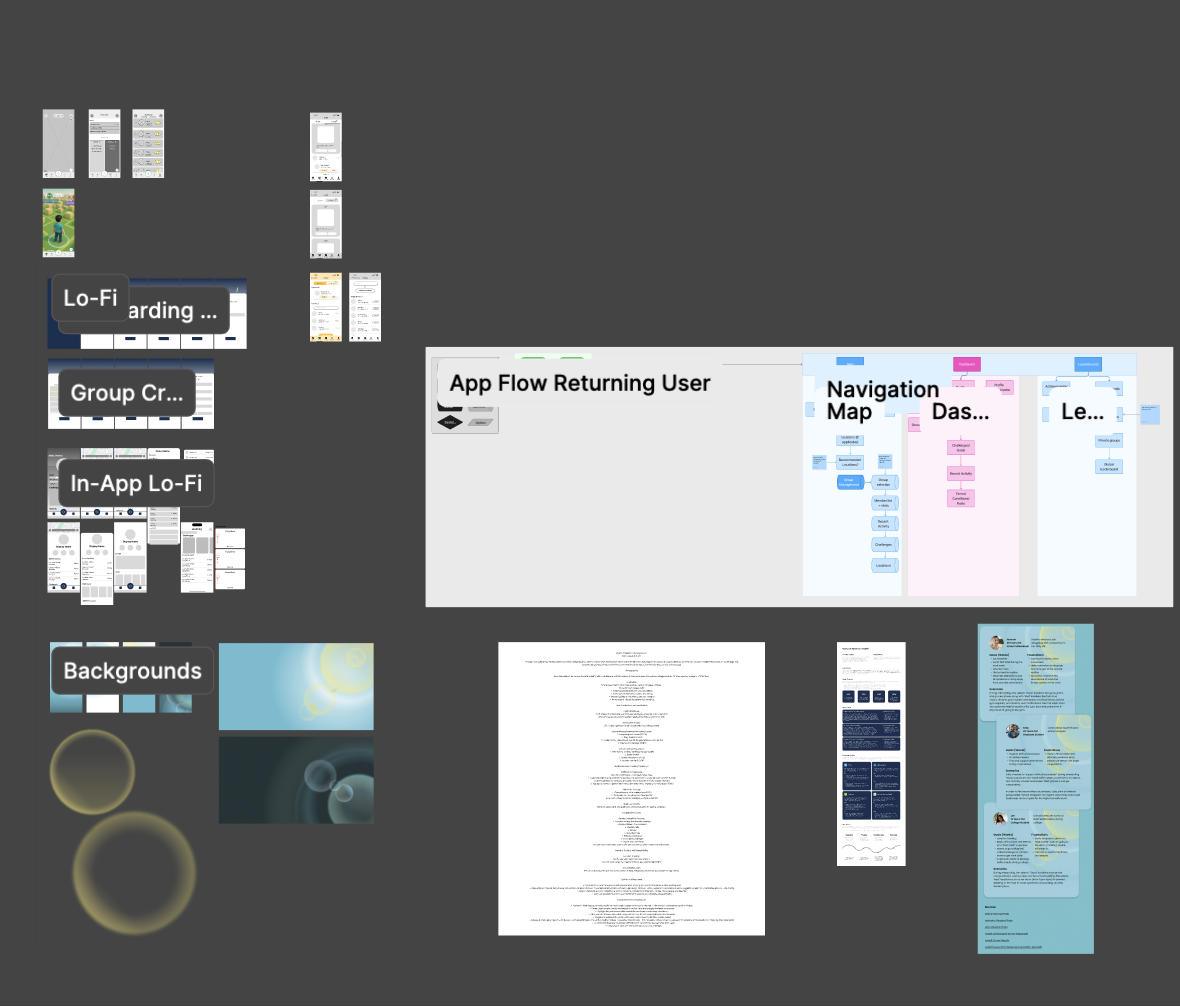
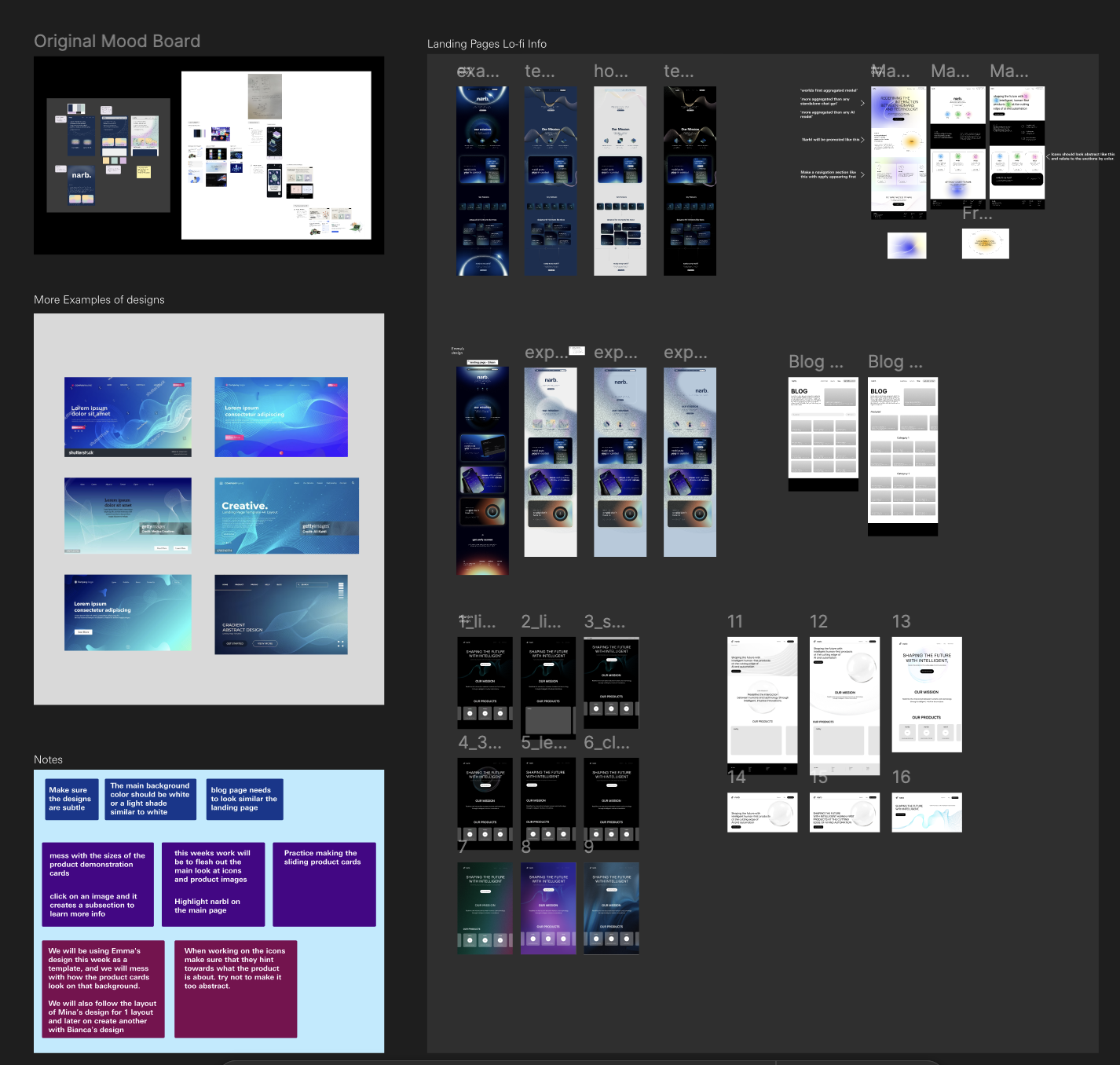
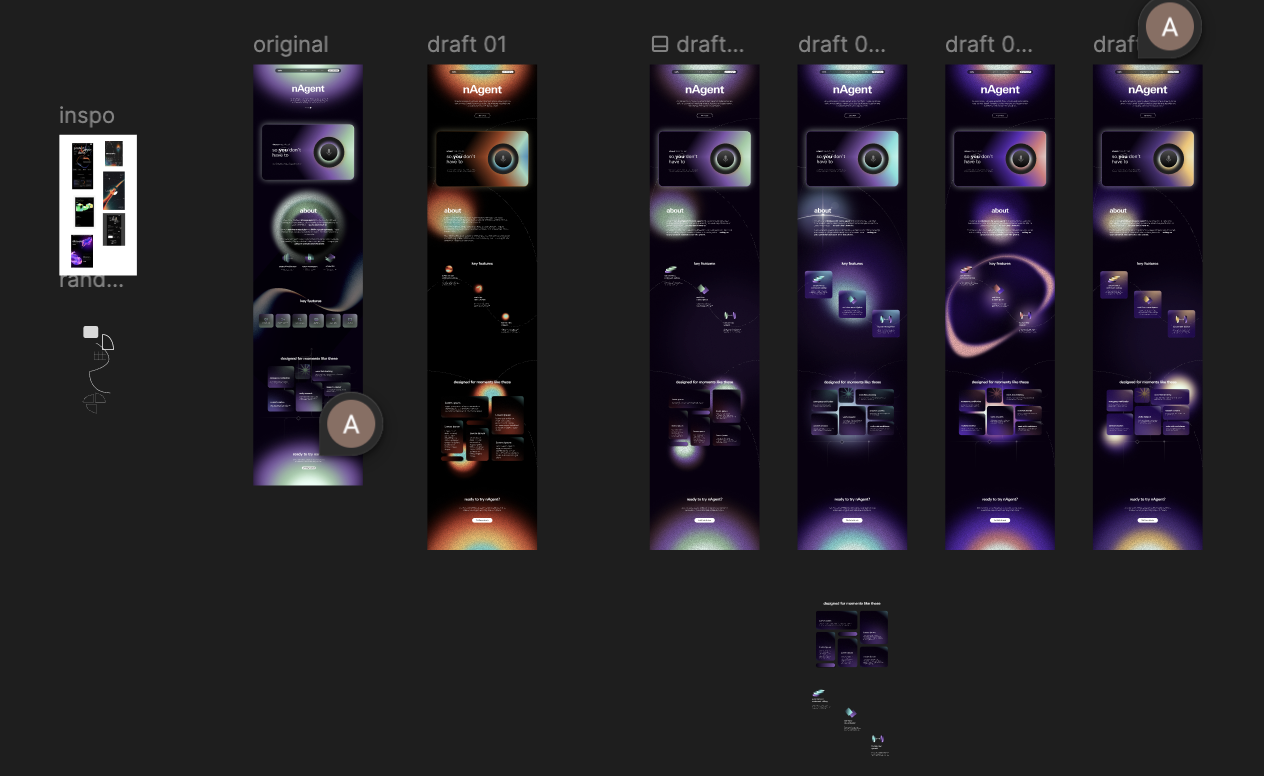
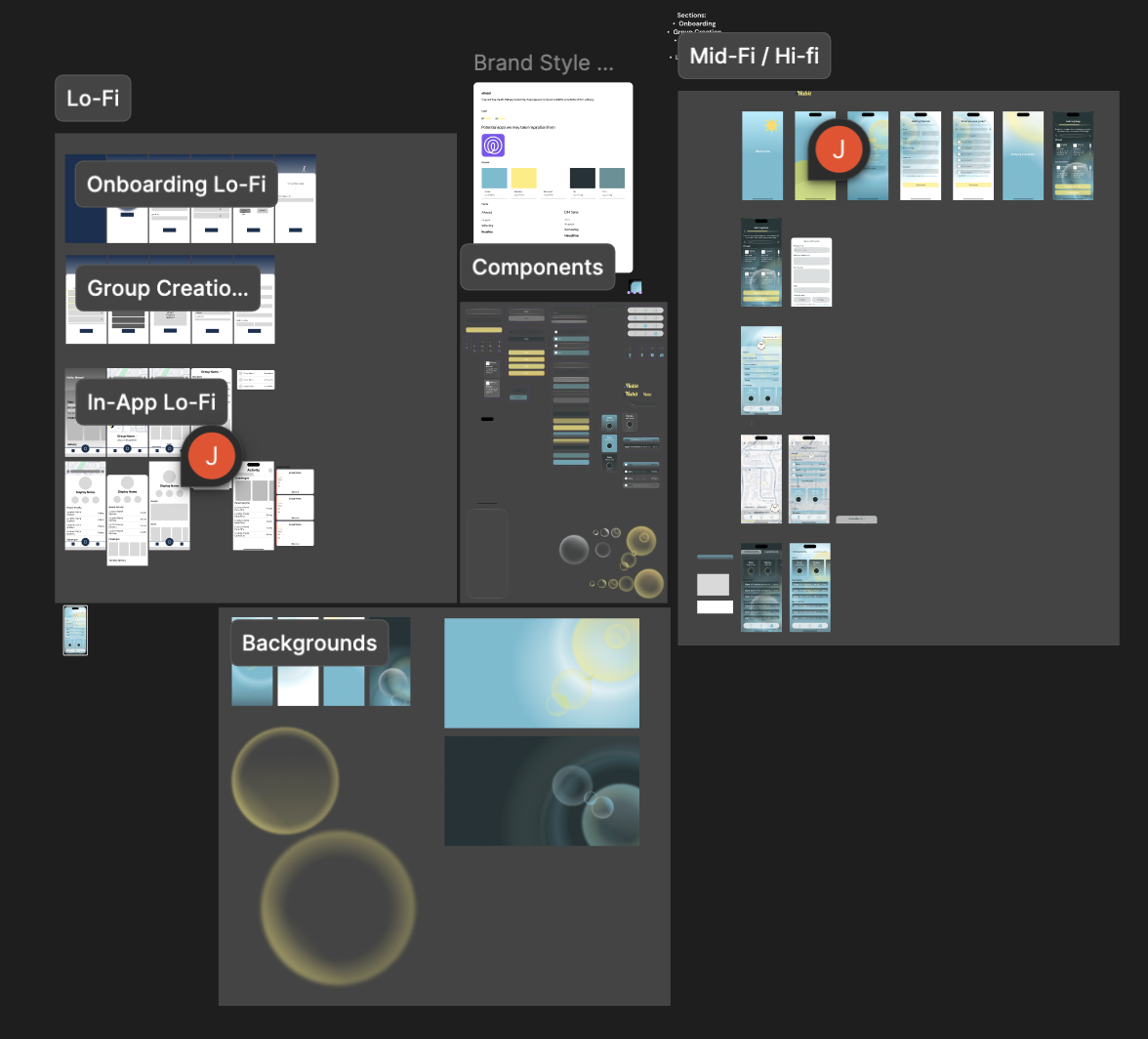
Iteration from lo-fi to final: layout variations, visual hierarchy tests, and flow refinements. Figma snapshots from the process.
Iteration Insights
- •Flow simplification: Streamlined onboarding so users reach their first answer faster.
- •Visual hierarchy: Tested ways to present AI sources before landing on the badge system.
- •Model transparency: Indicators show which models were used so students know where the answer comes from.
04
Core Features
Four features that give students one clear answer without managing multiple AI tools.
One Question, Best Answer
Ask anything. Multiple models run in parallel and surface the strongest answer.
Multi-Model Comparison
Compares responses across models and surfaces where they agree.
Model Transparency
See which models contributed. Full transparency.
Trusted Answers
Consensus-backed answers for research where accuracy matters.
One question, one answer. No tab hopping. No conflicting information.
05
Design System
Minimal, monochromatic system. Near-black reduces eye strain. Clean typography and subtle blue accents let the content shine.
Colors
Background
Primary · Neutrals
Accent · Subtle Blue
UI Elements
Typography
Display
Inter Bold · 48px
Nexus
Heading
Inter SemiBold · 24px
Heading
Accent
Serif Italic · 24px
One Nexus.
Body
Inter Regular · 14px
Body text
Secondary
Inter Regular · 14px
Muted text
Caption
Inter Medium · 11px
MOST ACCURATE AI
Why These Choices
- •Dark theme: Reduces eye strain during long sessions.
- •Monochromatic palette: Grays and white keep focus on the answer.
- •Blue accents: Subtle highlights and emphasis. Trustworthy without being distracting.
- •Inter: Clean, readable. Serif italic for the tagline adds personality.
06
Impact & Results
40%[4]Compared to baseline in the 3 months before launch. Measured as completed sign-ups.
More sign-ups in 3 months post-launch
2x
Faster onboarding after flow redesign
85%
Positive feedback from user testing
10,000+
Active users on shipped designs
07
Reflection
What I Learned
- •Collaborating daily with engineers on constraints
- •Building design systems from scratch
- •Designing for students who want answers fast
Challenges
- •Communicating model transparency through UI
- •Handling unpredictable AI response times
- •Balancing input from multiple stakeholders
Next Time
- •Test with diverse student populations earlier
- •Design mobile flows sooner
- •Explore study group collaboration features
Key Insight: Shipped production-quality work in a fast-paced startup. Learned to collaborate with engineers and design complex tools that respect user expertise.
08
Product Walkthrough
Final high-fidelity designs of Nexus core features.
Everything You Need. One Nexus.